

What goes in it
A loose next step
Something concrete to do that is not part of a bigger Outcome. From a brain dump, or just mentioned in passing.
A quick note
Jot a thought the moment you have it, so it leaves your head and is saved.
Something a connected tool turned up
When work in front of you touches a tool you have connected, like Todoist, Donna can read it there and put what it finds in your captures rather than handing you a second list.
Things that grow up
An item that turns out to be bigger than a one-off can become a full Outcome, built with you.
How captures come back to you
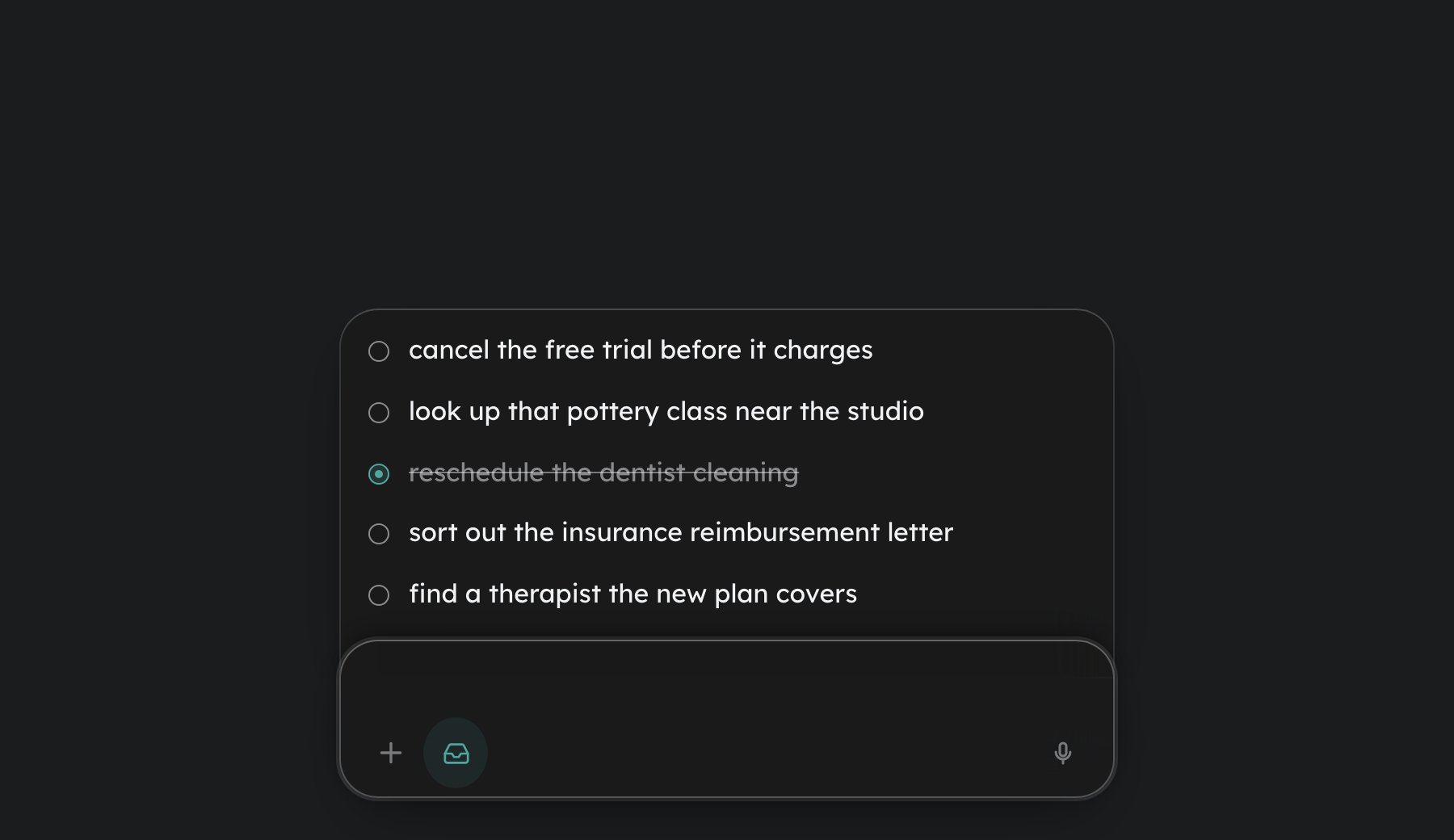
Donna pulls from your captures and offers one as your next step when the timing fits, the same way it offers anything else. Most of the time you never open Capture at all: captured items feed the same one-step-at-a-time flow as everything else. If your head is full and you want to empty all of it at once, the guide on the ADHD brain dump covers unloading it here without the pile turning into a backlog. Moving an intention out of your head and into an external place is what memory researchers call intention offloading, and setting an external reminder improves follow-through on delayed intentions (Gilbert and colleagues, 2023).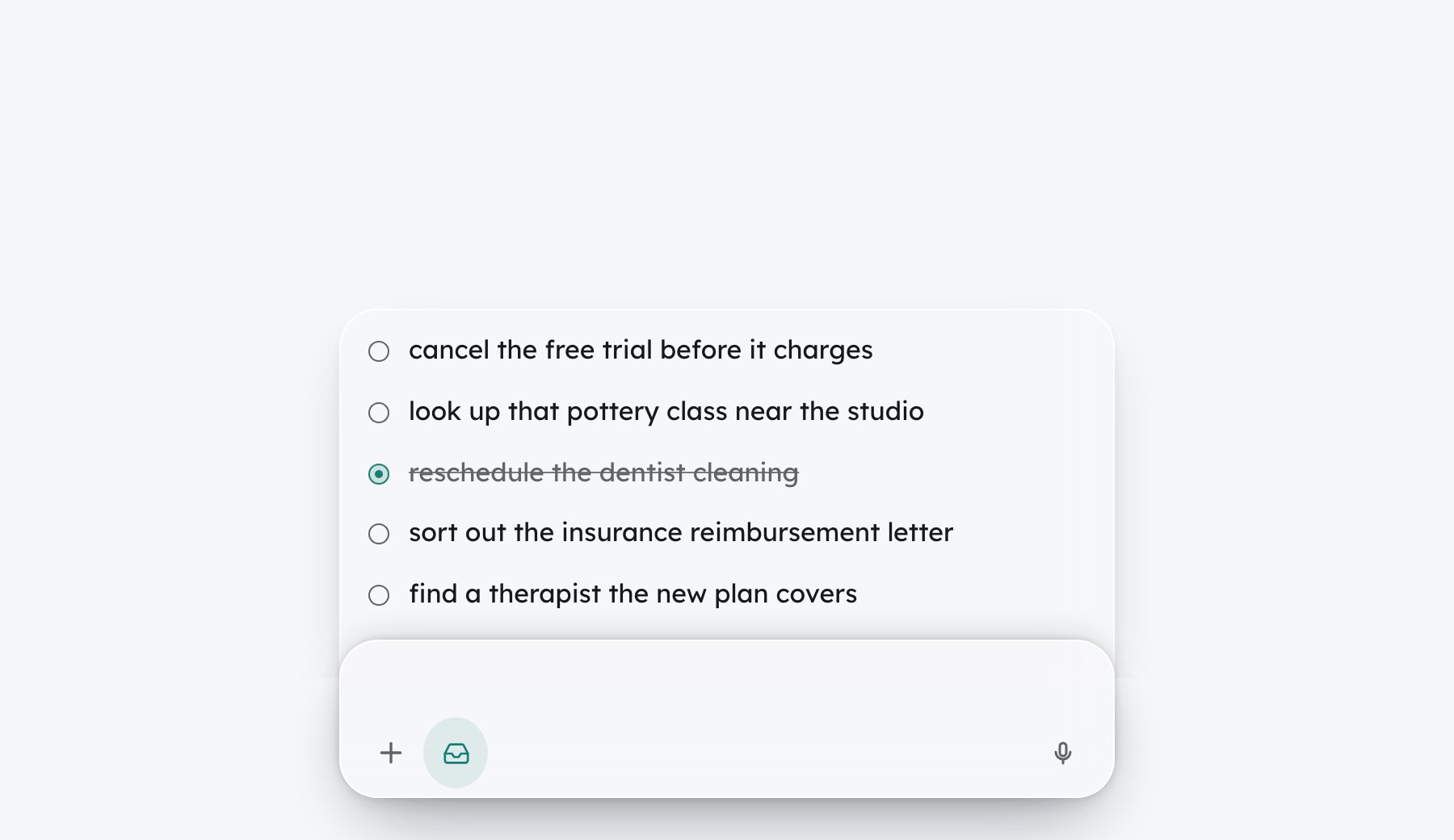
Acting on a capture
You can act on any capture, though none of it is required:- Mark it done. Tap the bullet. Done items clear overnight; tap again to undo.
- Dismiss it. Swipe the row away, or press Delete. It moves to the backlog, where you can still find it later.
- Leave it. A capture keeps as long as you need. If one is too thin to act on, Donna offers to sharpen it while closing out a day.
Before a capture goes quiet
A capture that has been sitting for a long time is never retired in the same breath it is mentioned. In a weekly review, Donna shows the ones about to go quiet as a short checklist, each in your own words, under a line that says they are going quiet unless you keep them. Tick any row to keep it, and that one stays. Nothing changes at the moment the list appears: the rest go quiet later, and if the checklist never appears, nothing goes quiet at all. Nudges do not count toward this. Only offers you could actually see, in a review, move a capture closer to going quiet. And going quiet is not deletion: the item moves to the backlog, where you can still find it.Documents
A document counts as a capture too: drop a file onto the bar, attach it with the paper clip, or paste its text into chat. Donna reads it, files the loose one-offs into Capture in the background, and offers to set up the one real body of work inside it as a tracked Outcome. You get one response and at most one next step, not a readout of everything it found.Plain text, Markdown, and HTML work today. PDF and Word are not read yet, and Donna will tell you when a file is one of those.
Opening Capture
- Desktop: tap the inbox glyph on the command bar. While Capture is open, whatever you type in the bar lands there instead of going to Donna.
- Phone: tap the up arrow in the bottom bar, then Captures. Type or talk.
Go deeper: The ADHD brain dump
Get it all out of your head, and let Donna sort what is an Outcome, what is a loose capture, and what to let go.
Next: Memory
What Donna keeps from your work once you finish.