

The canvas
The center shows the one thing that matters right now: the next Action, your morning brief, or an Outcome you are looking at. When nothing is pressing, it rests.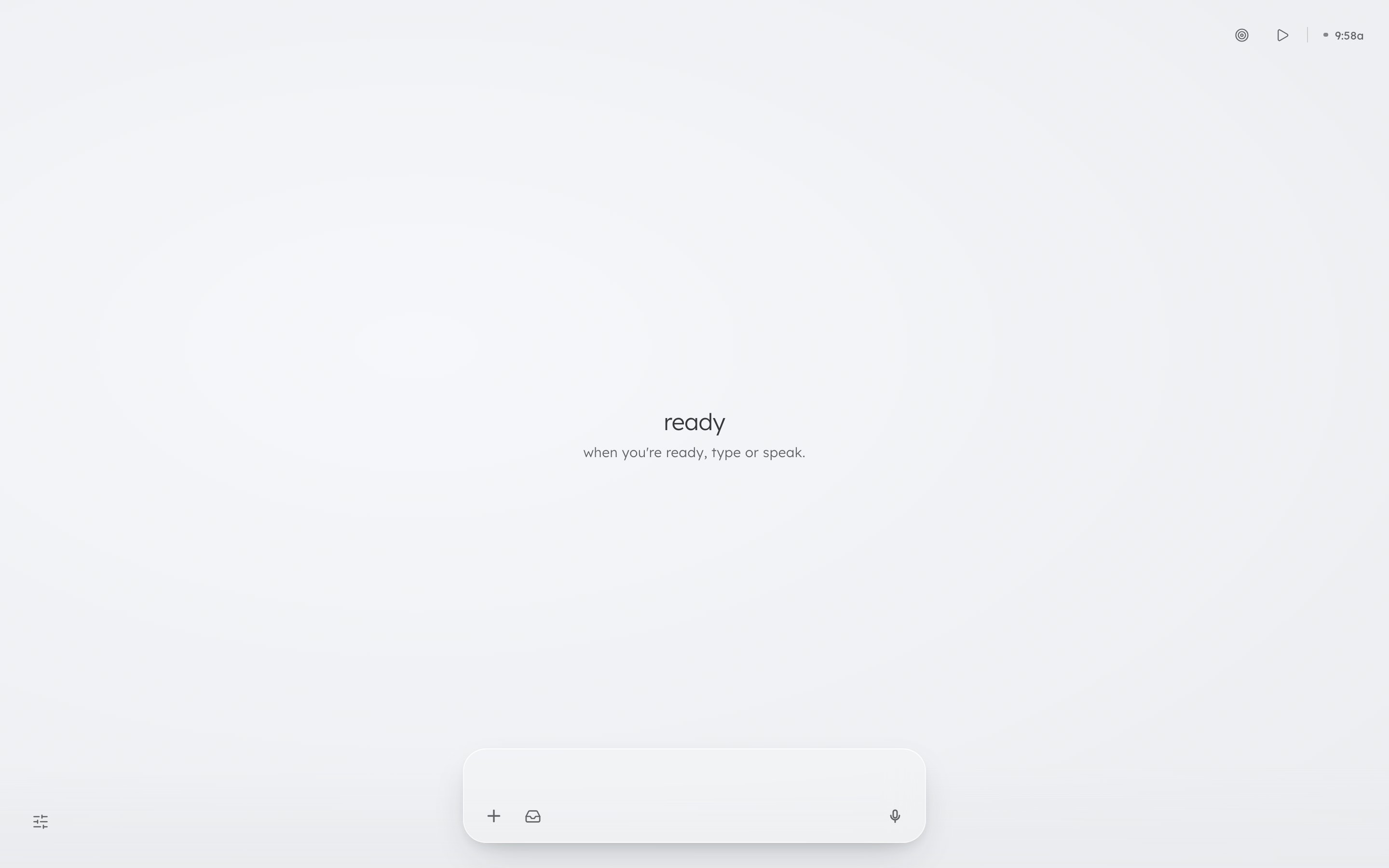
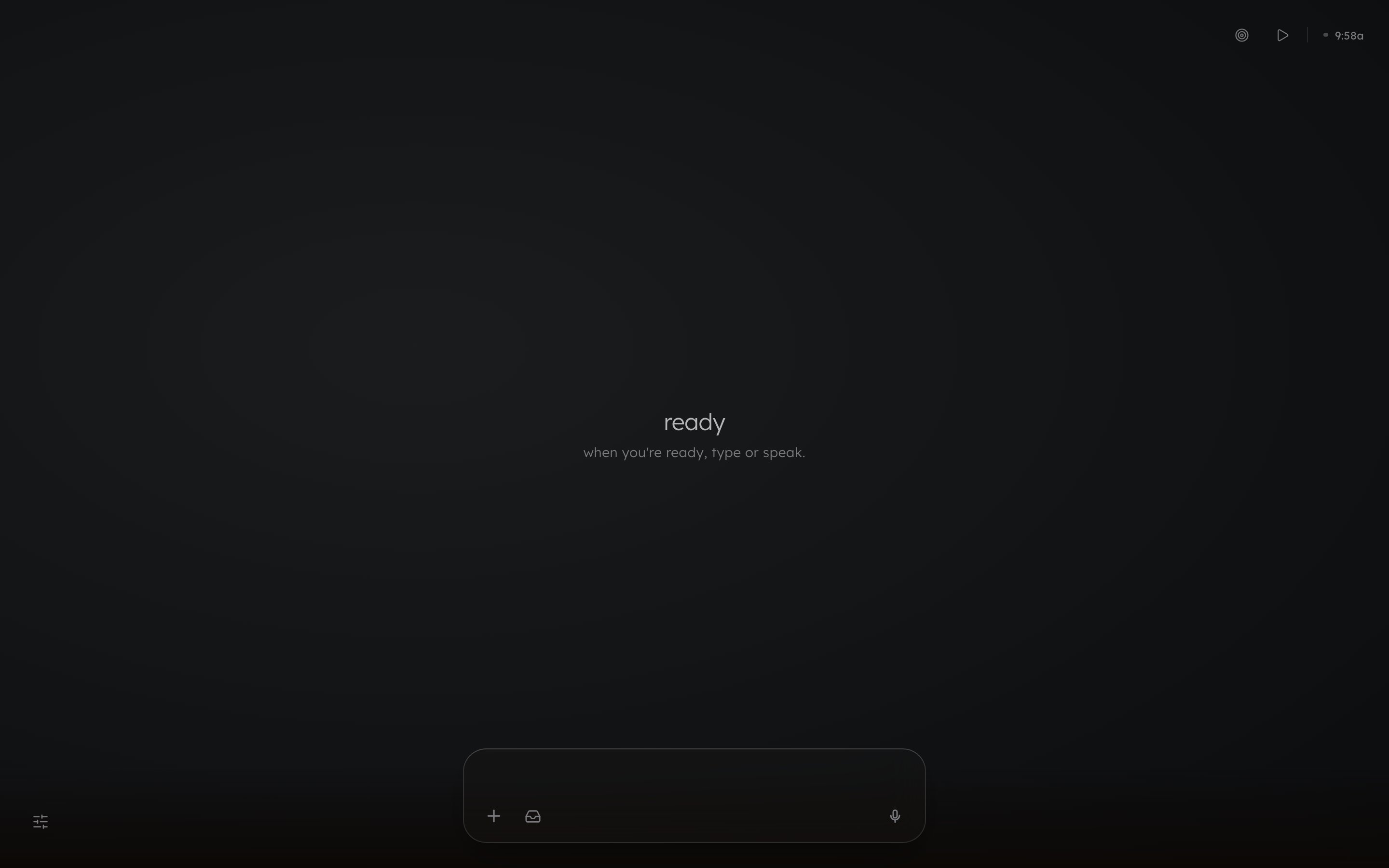
Top-right: outcomes, start, breathing, and the clock
- outcomes: every Outcome, grouped going on and landed. The line at the bottom starts a new one: type it and press Enter.
- start (
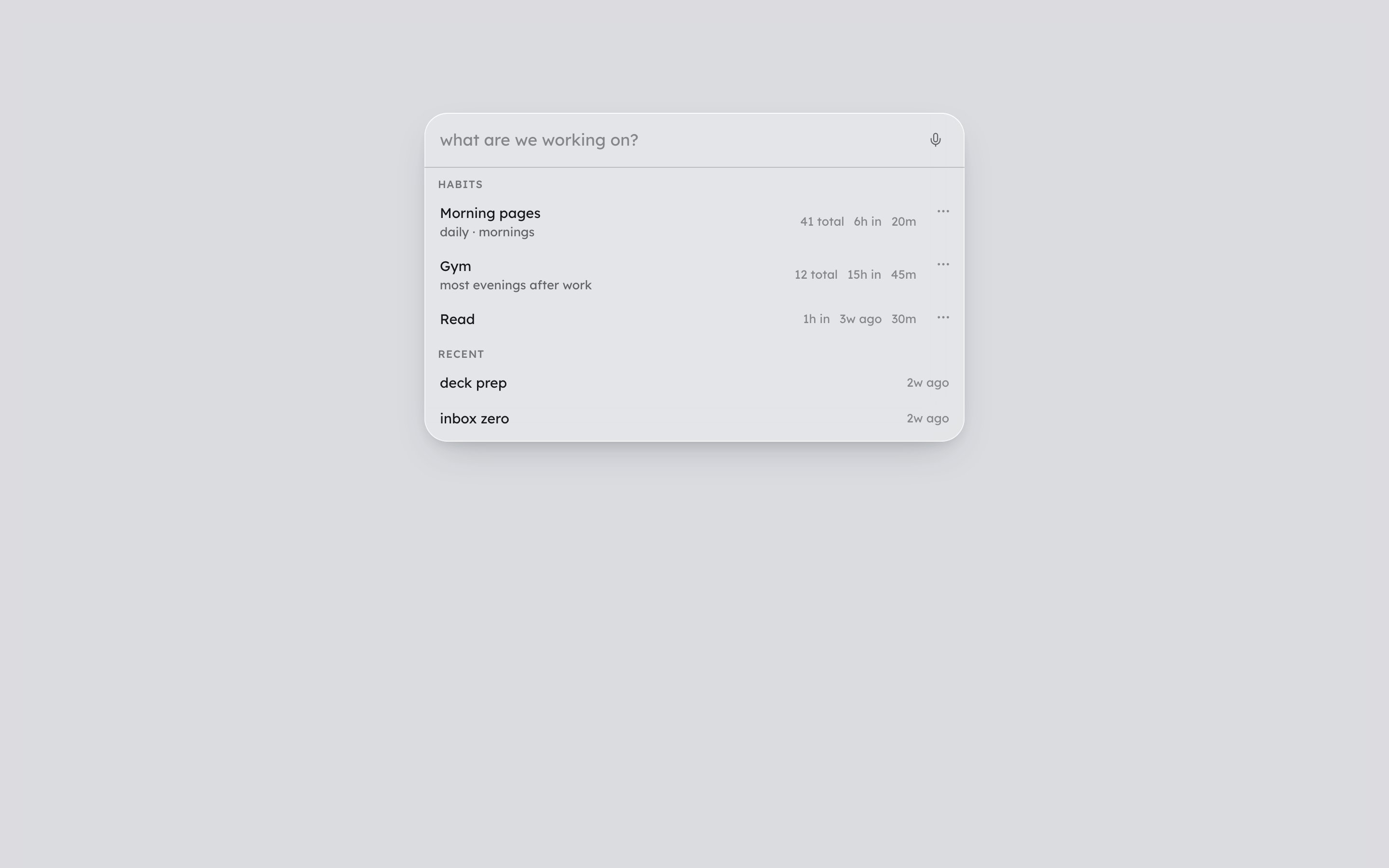
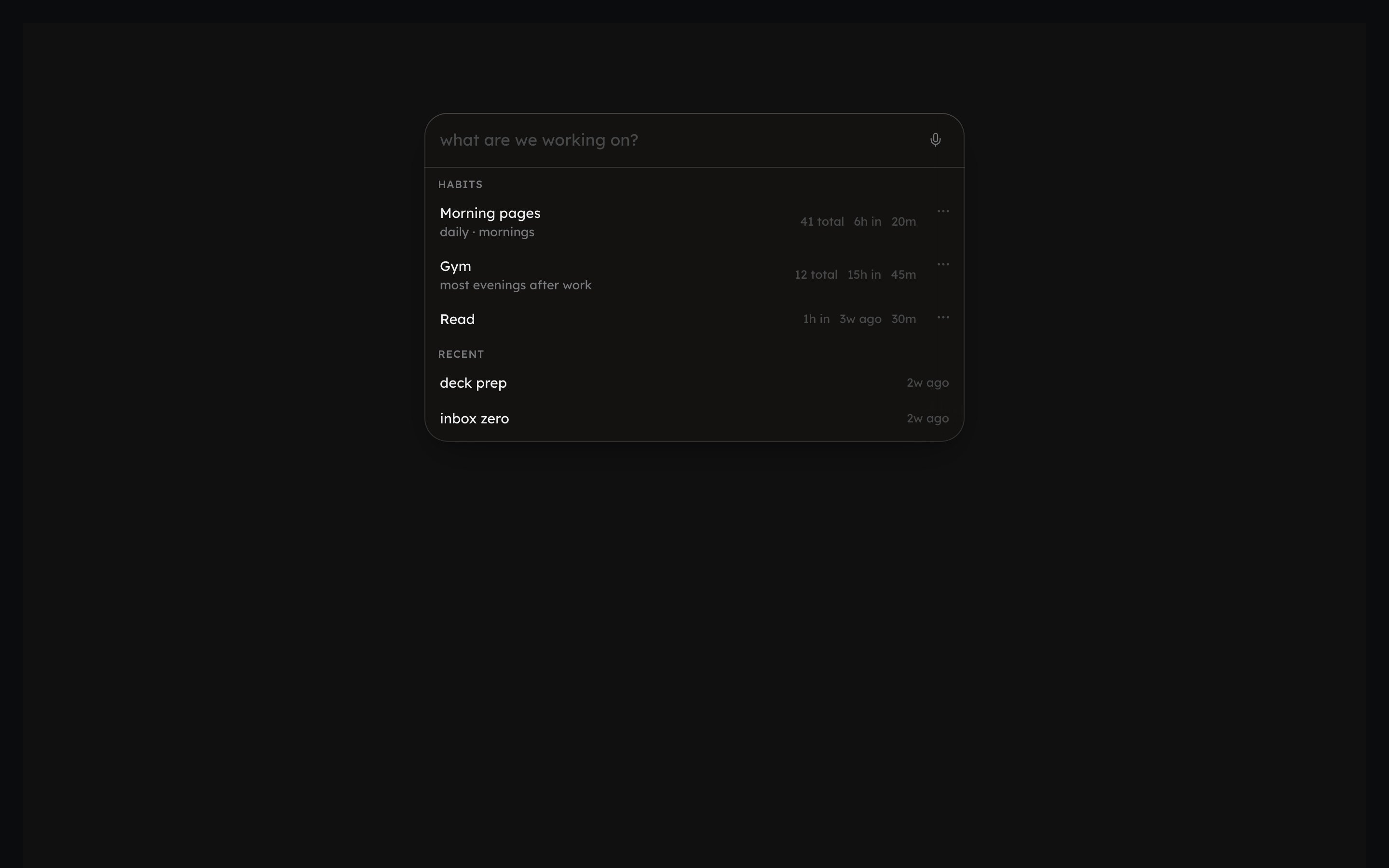
⌘Kfrom anywhere): type what you are about to do and press Enter for a 25-minute timer. The list also holds your Habits and recent starts. - breathing: breathing and grounding exercises.
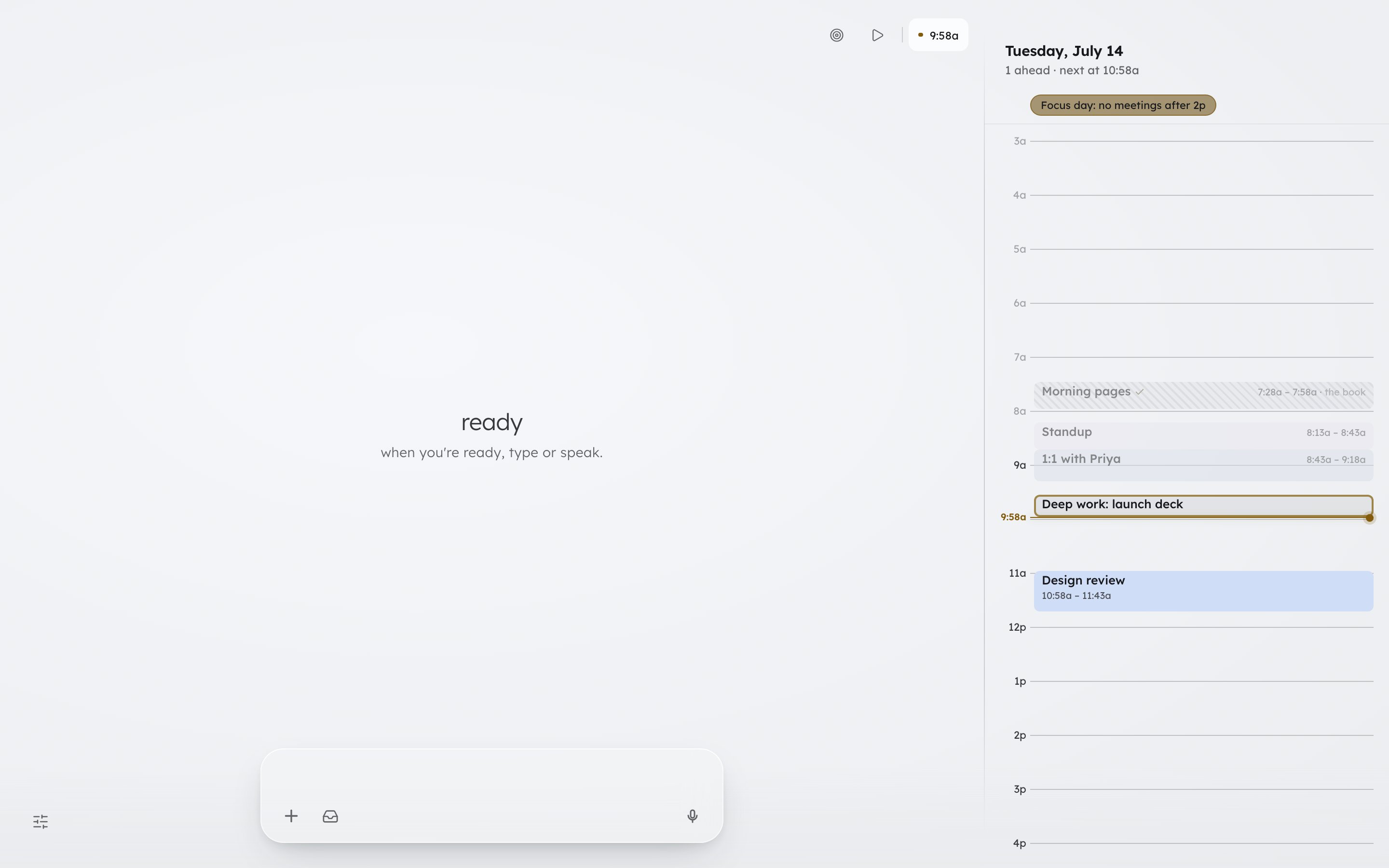
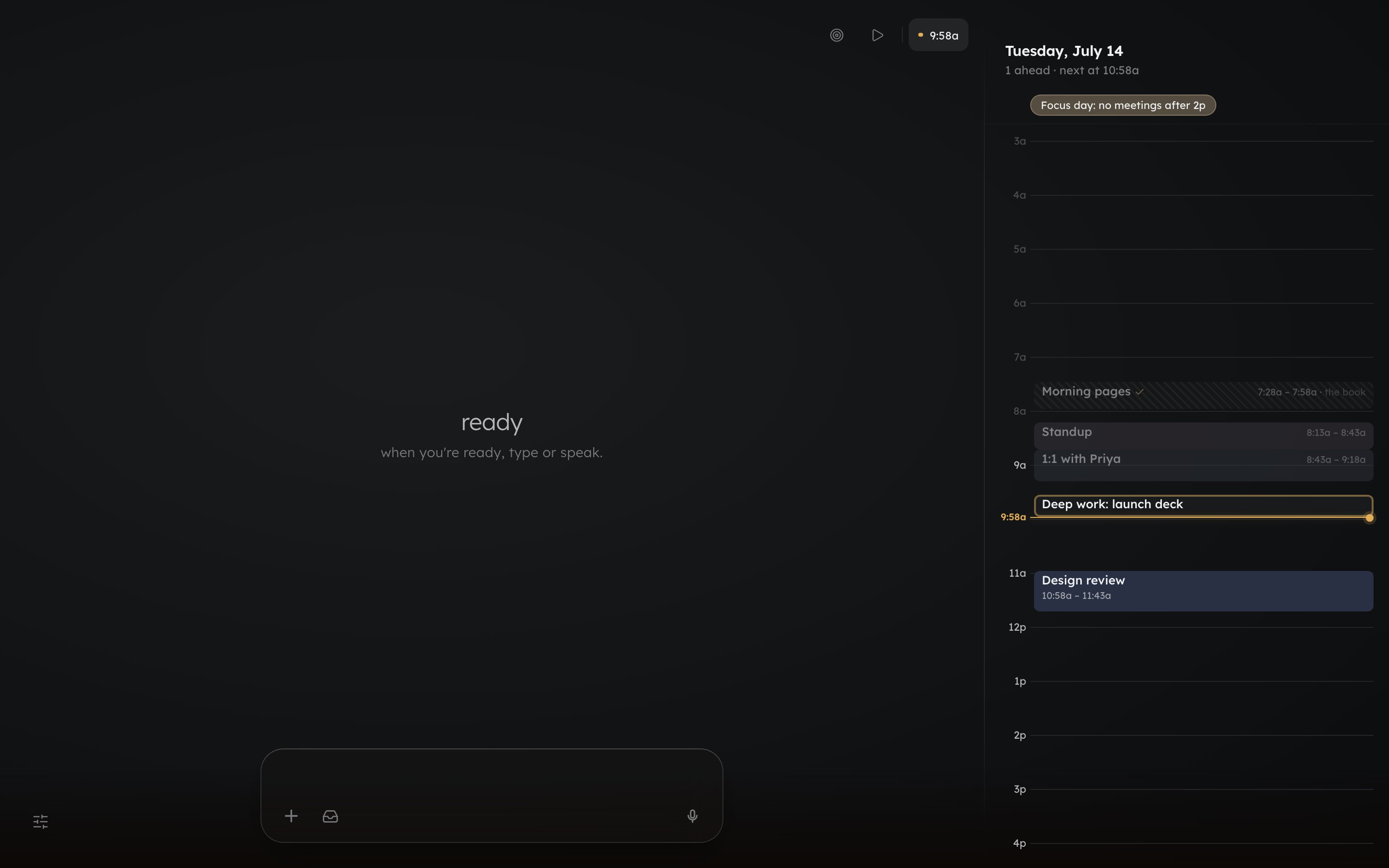
- The clock: the time, plus what is next on your calendar. Click it to open your day as a calendar on the right; Escape closes it. While a timer runs, the clock still shows the time but does not open the calendar.
The command bar
- Type or talk. Enter or the send arrow sends; Shift+Enter starts a new line. Send while Donna is replying and the message waits in a chip above the bar until the reply lands.
- + attaches a document: plain text, Markdown, or HTML (PDF and Word not yet). Dragging a file onto the bar or pasting its text also works.
- The inbox glyph opens your captures. While Capture is open, whatever you type lands there instead of going to Donna.
- The mic dictates: hold it (or
Ctrl+`) and speak, and what you said arrives as text in the bar. You still edit and send it yourself. /daily_review(or/review) closes out the day, and/weekly_reviewopens the week. Typed on their own as the whole message, these are the only typed commands left. Every other door is a glyph up top, the sliders menu bottom-left, or a row in the menu on a phone. There is no ”/” menu in the bar.- A brain dump, or asking for the next thing to work on, has no button on desktop: type the sentence into the bar.
- When Donna drafts something for you to send, like an email or a message, it arrives in its own card with a Copy button.
On your phone
The up arrow at the left of the bottom bar opens one panel with five rows: Settings, Breathing, Captures, Outcomes, and Start. Picking one changes what is inside the panel rather than opening a second surface. Everything else works the way it does on desktop: type the sentence, or type the command on its own.Settings and help
The sliders glyph, bottom-left, opens Docs, Feedback, Settings, the theme control (Dark, Light, System), and a short map of what Donna can do, where each line opens the thing it names. During your first days that map also sits beside the glyph as its own small pill. Nothing on the map is counted and nothing checks off.Where do I…
Go deeper: your morning check-in, dictation, connecting your calendar.
Now the ideas underneath
What Donna does, and what you do, in one short page.