> ## Documentation Index
> Fetch the complete documentation index at: https://meetdonna.xyz/docs/llms.txt
> Use this file to discover all available pages before exploring further.
# Starting an Action: get from an idea to a running timer
> How the ⌘K launcher works, what its list holds, and the other ways into the work view.
Anything you are about to do can become a running [Action](/docs/concepts/actions) in one step: open the start list, type it, press Enter.
## The fast path
Press **⌘K** (or **Ctrl+K**) from anywhere in Donna. On desktop you can also click the start verb in the top-right corner; on the phone, tap the menu glyph in the bottom bar and pick **Start**. The shortcut stays quiet while an Action is already running.
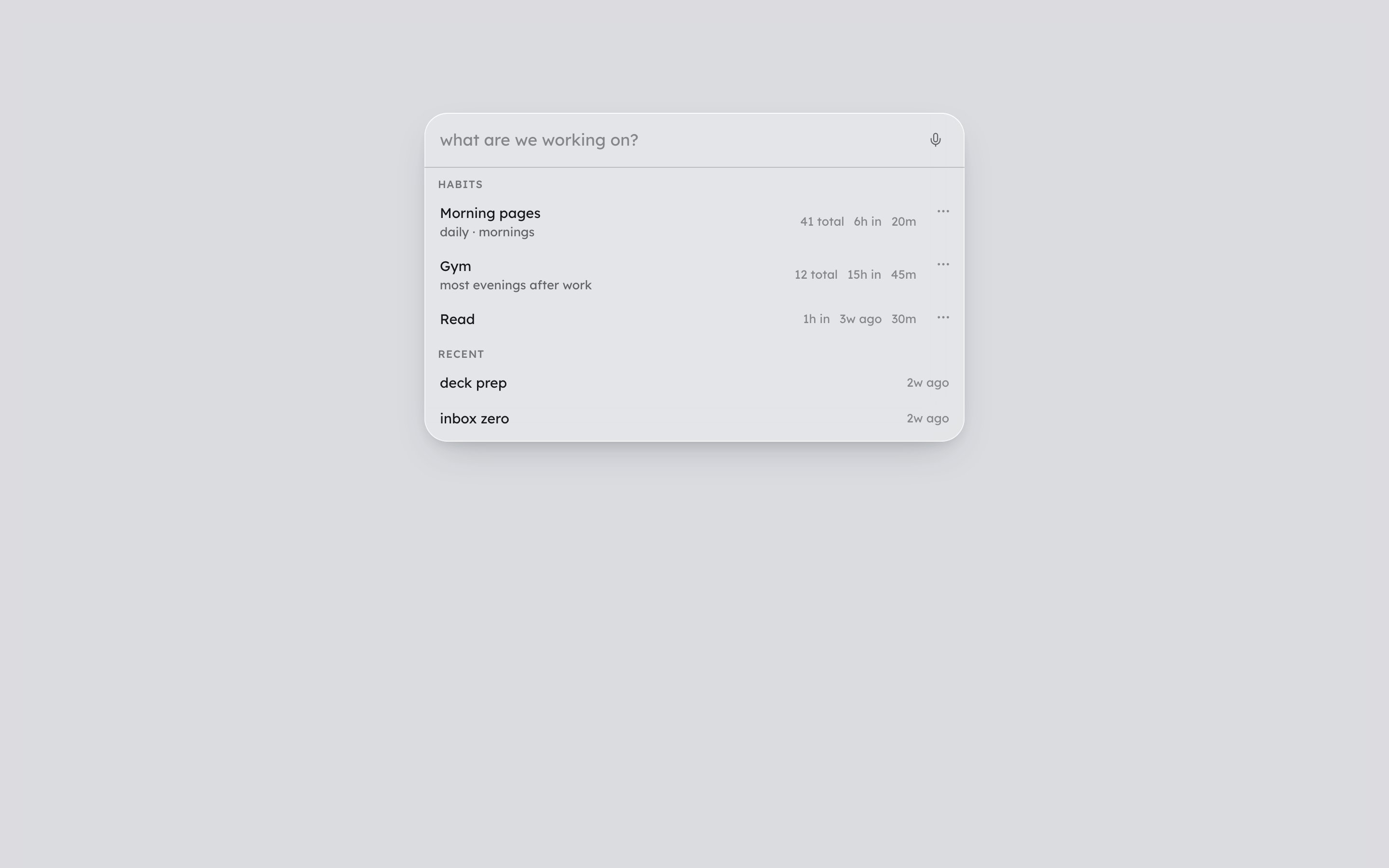
One list opens, asking "what are we working on?". Type what you are about to do and press Enter. That starts a 25-minute Action titled with whatever you typed. There is no setup screen and nothing to configure first.
 ## What the list holds
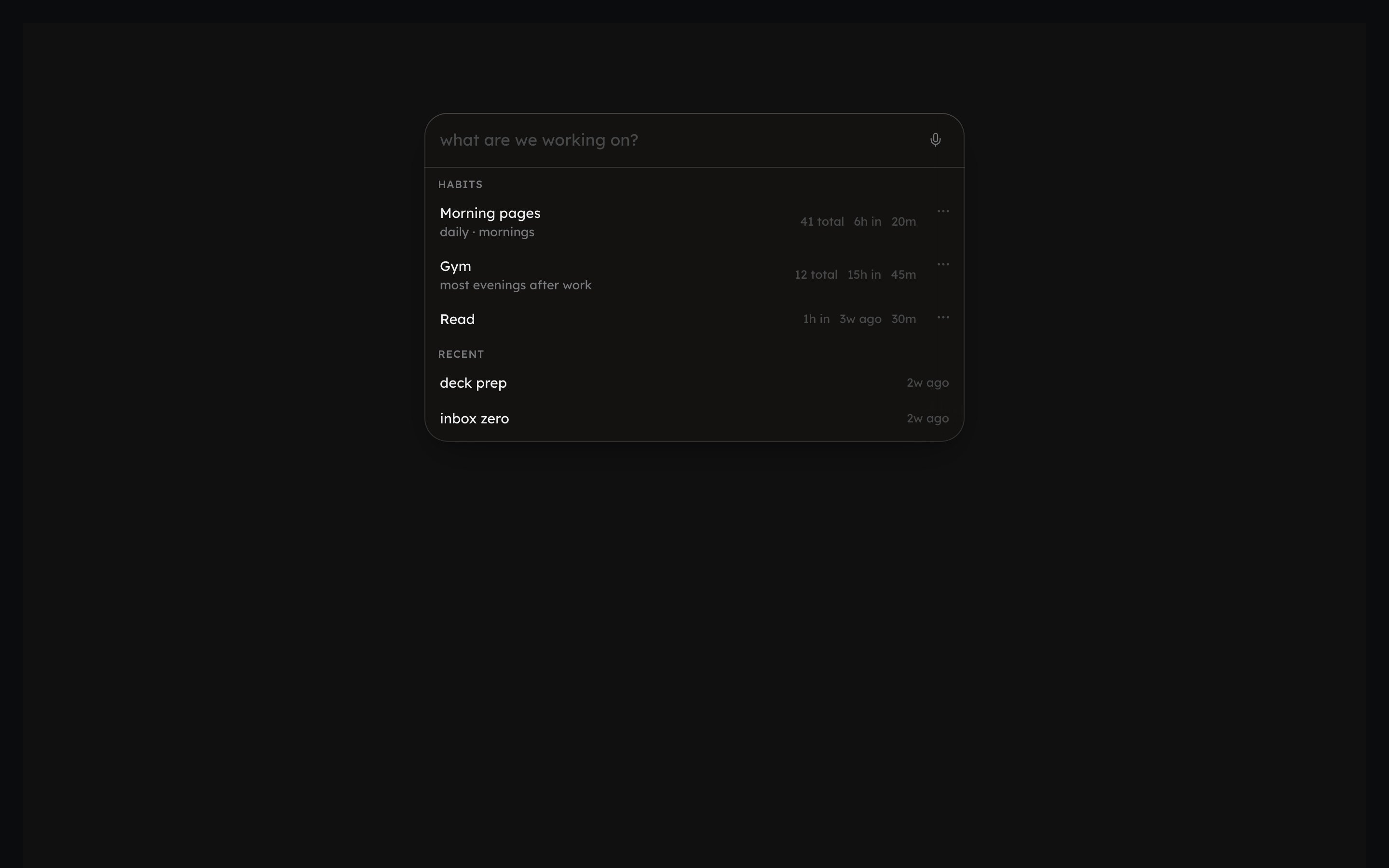
* **With nothing typed:** your saved **Habits**, then **Recent** Actions below them.
* **As you type:** both filter to match, and a row reading Start "\" pins on top, ready to fire even if nothing else matches.
* **Keys:** arrows move through the rows, Enter fires the highlighted one, Escape closes without starting anything.
* **Delete or Backspace** on a highlighted Recent row (with nothing typed) removes it from the list. The Action that already happened is untouched.
## Habits
Tap a saved Habit and it starts an Action linked to it: the Habit's own default length, with its history accruing as you go. See [Habits](/docs/concepts/routines) for what Habits are.
A Habit row can carry a count, and it only ever counts up: "2 today · 14 total". Once you have done one as often as its rhythm asks for today, it folds into **Done today** at the bottom of the list, still one tap away.
If you have none yet, the list offers "Tell Donna what you do regularly" in their place. That opens a conversation with Donna rather than a form: describe what you do and how often, in your own words, and save it from there.
## Where you land
Either path, typed ad hoc or a Habit, drops you into the work view: a count-up timer and a real editor, already carrying the title you gave it. See [Working an Action](/docs/daily/working-an-action) for what happens in there.
## Other ways in
Telling Donna what you are about to do in plain language works too, and lands you in the same work view. So does tapping "i'm in" on an [Action](/docs/concepts/actions) Donna hands you.
⌘K, arrow-key navigation, Escape, and the rest of the keyboard map.
## What the list holds
* **With nothing typed:** your saved **Habits**, then **Recent** Actions below them.
* **As you type:** both filter to match, and a row reading Start "\" pins on top, ready to fire even if nothing else matches.
* **Keys:** arrows move through the rows, Enter fires the highlighted one, Escape closes without starting anything.
* **Delete or Backspace** on a highlighted Recent row (with nothing typed) removes it from the list. The Action that already happened is untouched.
## Habits
Tap a saved Habit and it starts an Action linked to it: the Habit's own default length, with its history accruing as you go. See [Habits](/docs/concepts/routines) for what Habits are.
A Habit row can carry a count, and it only ever counts up: "2 today · 14 total". Once you have done one as often as its rhythm asks for today, it folds into **Done today** at the bottom of the list, still one tap away.
If you have none yet, the list offers "Tell Donna what you do regularly" in their place. That opens a conversation with Donna rather than a form: describe what you do and how often, in your own words, and save it from there.
## Where you land
Either path, typed ad hoc or a Habit, drops you into the work view: a count-up timer and a real editor, already carrying the title you gave it. See [Working an Action](/docs/daily/working-an-action) for what happens in there.
## Other ways in
Telling Donna what you are about to do in plain language works too, and lands you in the same work view. So does tapping "i'm in" on an [Action](/docs/concepts/actions) Donna hands you.
⌘K, arrow-key navigation, Escape, and the rest of the keyboard map.